
 VLC · How-To
Save a playlist of local videos in VLC for Mac
If a course is split across a dozen videos, a playlist lets you reopen the whole sequence from a single file.
Put your videos in order
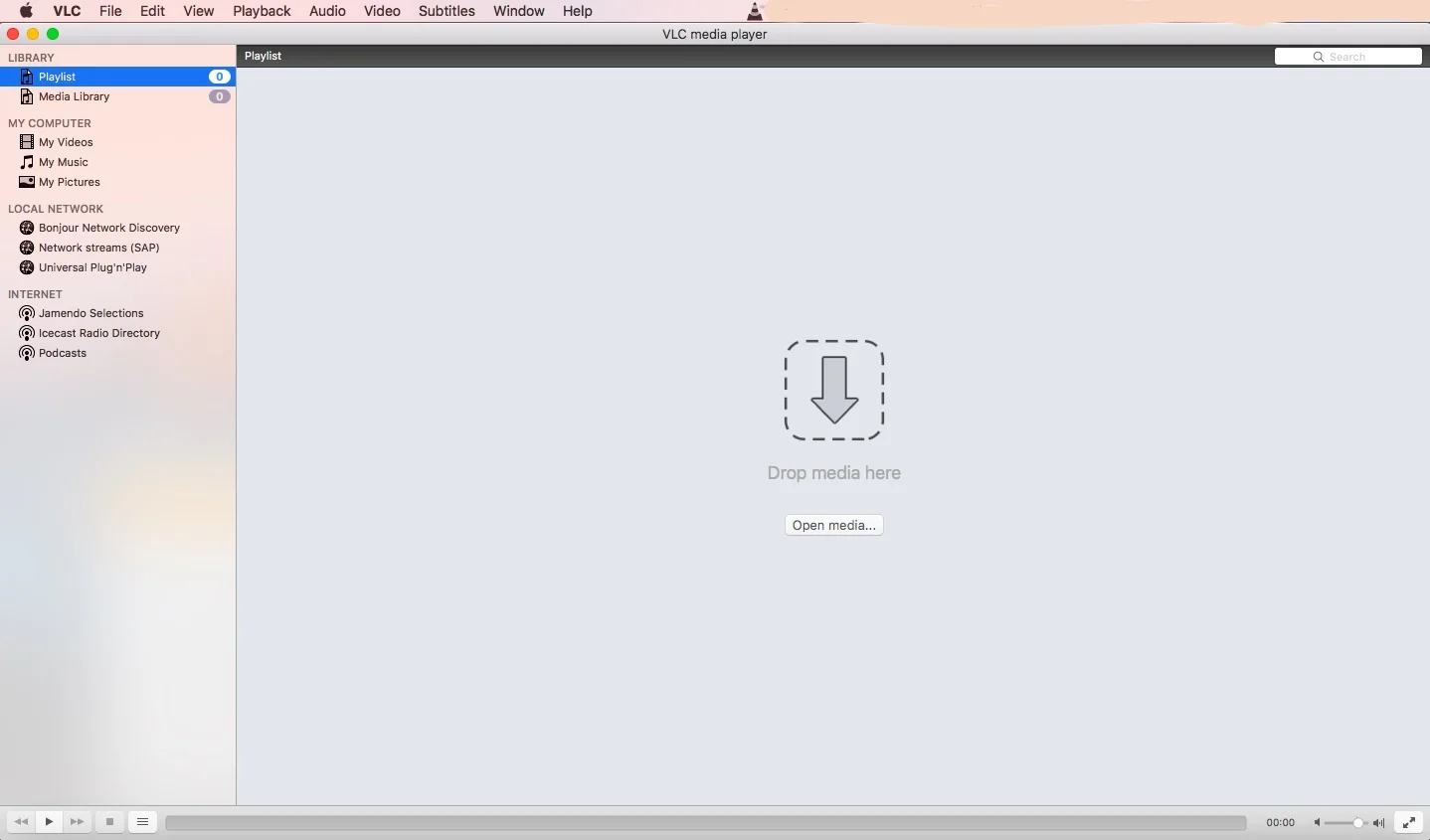
Put the videos in one folder. Prefix the names with 01, 02 and so on, sort by name in Finder, and drag them into VLC’s playlist. Check the first and last items, reorder if needed, and remove entries left over from a previous session.
Save the playlist and test it
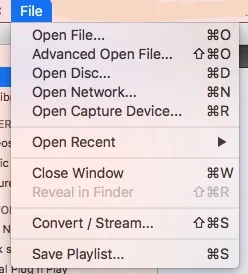
Choose File → Save Playlist in the Mac menu bar. If VLC offers a format choice, use M3U8 for filenames with non-ASCII characters. Save the file somewhere you can find it again, then reopen it in VLC and test the first and last videos.
The playlist points to your videos. Renaming or moving one, or disconnecting a drive, can break the link. Add the video from its new location and save again. If you move to another Mac, copy the videos as well and test the list there.